NeoTrellis / Monome Script Emulator
Welcome to the browser-based emulator for loading and testing Lua scripts designed for Monome and NeoTrellis grids.
Quick Rundown
🕹️ What is this app?
This is a universal development tool that runs real .lua scripts natively in your browser using the Fengari Lua runtime. It serves as:
- A handy way to create interactive, live manuals for your scripts.
- A sandbox for quick testing.
- A platform for users who don't own hardware to run and play MIDI Lua patches, allowing them to route the MIDI directly through their computer, phone, or tablet.
Note: The hardware does not mirror the web app; scripts run locally either in the browser or entirely on the physical device. Additionally, routing MIDI out from the app generally requires a Chromium-based browser.
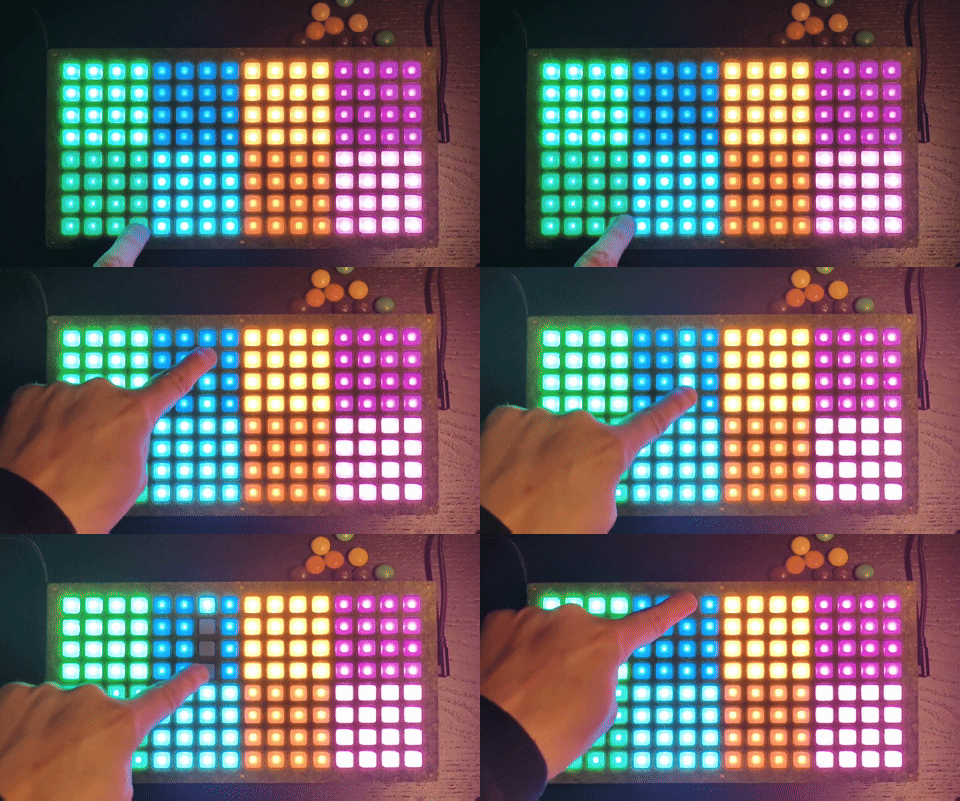
💾 How to get this on my device?
- Flash Custom Firmware: Install the custom
.uf2firmware to your device (see Firmware Installation). - Upload Scripts: Use the official diii web app to push
.luafiles to your device's memory.
[!WARNING] Do not leave a heavy script (like Serpentine) running while uploading files to the device! The processing load can cause the upload to timeout / crash the pico. Run a lightweight/blank script before initiating file transfers on the diii app.
- App Minifying: Use the
↓ Deviceexport option in this emulator to compress large patches so they fit on restricted memory devices.
Documentation Index
Project Overview - Main README - Project description and features - Roadmap - Development plans and TODO items
Emulator Usage - Walkthrough - Detailed guide to using the emulator UI - Script Documentation Standard - How to write LDoc comments for the emulator
Hardware & Firmware - NeoTrellis Firmware Installation - Building the Firmware
Scripts - Sandman - Serpentine Sequencer - Multi-Screen Test - Serpentine Changelog
Detailed Hardware & Compatibility Info
Monome vs NeoTrellis (Color Setup)
This emulator supports both the original Monome Grid (monochrome) and Adafruit NeoTrellis (RGB). Scripts can be written once and run on both targets gracefully via hardware detection (grid_led_rgb versus standard grid_led). Considerable time has gone into building robust grayscale fallback compatibility.
Testing & Hardware Setup
This has been extensively tested using my custom fork of okyeron's NeoTrellis setup running on a Pico 2040. (Specifically, the modifications enabling color sit in the neotrellis_monome_picosdk_iii directory). Backwards compatibility with standard Monome features has only been verified via the monome viii app, which serves as the official web-enabled monome grid emulator.
Known Challenges
- MIDI Timing: Building stable MIDI handling has been tricky. Managing multiple timers and handling reliable MIDI Clock sync in a browser environment is currently one of the hardest aspects to perfect.
- Memory Limits: The main patch, Serpentine, pushes the sheer limits of what the Pico 2040 NeoTrellis can hold and run. Finding Lua memory optimizations remains an ongoing battle.
Important Links
- jonwaterschoot / neotrellis-monome (feature/colors): My custom hardware driver fork enabling color support.
- okyeron / neotrellis-monome: The original hardware driver repository.
- monome.org: The creators of the grid hardware.
- diii app: Web app to upload scripts to your grid.
- iii docs (viii): Official documentation and the viii app.